


VIRTUALLY DONE
YOUR ONE STOP PRIVATE PRACTICE ADMIN SETUP:
Ready to leverage the world’s favourite business management and organisation system to be YOUR best asset in just 4 short weeks?
I believe in making your Practice work for you, not the other way around.

You feel like you’re spending more hours doing admin for your Practice than actually seeing clients.

You’re fed up of constantly checking your bank account and chasing non payments.
You have paperwork and spreadsheets stored in random nooks of your computer that you can never find.
You’re slightly freaking out about how many times you have double booked yourself this year.

If so, keep reading because I’ve got the solution for you.
When you first start in Private Practice you wing it, you piece things together and do what works.
(I did that too in my VA business)
But at some point, as your Practice grows, what you’re doing just doesn’t work anymore.
AS YOUR PRACTICE GROWS YOU NEED A ROBUST, SECURE, RELIABLE SYSTEM SO YOU CAN DO YOUR BEST WORK WITH YOUR CLIENTS.


THE PROBLEM IS:
MOST THERAPISTS WEREN’T TAUGHT BUSINESS MANAGEMENT AND ORGANISATION WHEN THEY DID THEIR QUALIFICATIONS.
SO INSTEAD, THEY DO WHAT THEY KNOW HOW TO DO. THEY REACT AS EACH INDIVIDUAL SITUATION PRESENTS ITSELF AND END UP SPENDING FAR TOO MUCH TIME ON THEIR PRACTICE MANAGEMENT
(WHICH CAN BE INCREDIBLY FRUSTRATING AND TIME CONSUMING)

Google Workspace is like a digital office that helps you manage all the administrative tasks for your private practice efficiently and securely. Imagine having a virtual assistant that organises your emails, schedules your appointments, stores your documents, and allows you to share and collaborate —all in one place. That's what Google Workspace does.
THAT IS WHERE GOOGLE WORKSPACE COMES IN!
And it’s why it’s the number one system I recommend for therapists in Private Practice!
If you’re looking for a system that can…
SCHEDULE, MANAGE AND COMMUNICATE YOUR SESSION APPOINTMENTS IN ONE CLICK AS WELL AS HELP YOU ORGANISE ALL YOUR TIME
BE YOUR PRACTICE MANAGEMENT HUB SO EVERYTHING YOU NEED FOR YOUR PRACTICE IS NEATLY ORGANSIED IN ONE PLACE
ENABLE CLIENTS TO COMPLETE THEIR PAPERWORK ONLINE WITHOUT THE NEED FOR PRINTERS AND SCANNERS
BE ACCESSED BY YOU SAFELY AND SECURELY ANYWHERE ON ANY DEVICE
…Google Workspace is that system
Over 6 million
businesses worldwide trust Google Workspace
30%
reduction reported by users on time spent on email management
99.9%
of automated cyber attacks can be stopped with Google Workspace security features
15% increase
in productivity by using Google Workspace apps and features
Here’s a breakdown of the apps you’ll use for your Practice management

GMAIL
Gmail is where all your communication happens but email is also where you can waste a lot of your time, so with Virtually Done I’ll show you how to use Gmails features to cut your inbox time right down. You’ll get email templates so you can thoughtfully write your email responses to the most common questions and so you never have to start from scratch saving you lots of precious time.

DRIVE

The Drive is the hub of your Private Practice. It’s where you’ll safely and securely store all your client data, completed paperwork, Google Docs and Sheet templates and so much more. With Drive’s amazing search function and my organisation know-how you’ll never lose anything again and you’ll be able to access it whenever and wherever you need.
CALENDAR
The heart of your Practice is seeing clients and with Google Calendar this makes arranging your sessions, notifying your clients and managing your time so much easier. With separate calendars for work and personal life, one step appointment creation and tasks management strategies you’ll be highly productive with your time.

FORMS
Having the right paperwork, sending it to your clients and getting it completed is such an important part of Private Practice so you want an easy, simple, streamlined and automated way to complete it. This is where forms comes in.


How Google Workspace can assist you with your Practice management, organisation, productivity and much more?


Google Workspace is perfect for Private Practice and has everything you need to give your clients an excellent service throughout their entire journey with you.


VIRTUALLY DONE
Say hello to your one stop Private Practice admin setup
This 4 week online course will enable you to setup your Private Practice systems, policies and procedures using just ONE system.
This course will simplify your Private Practice admin and give you time back!
I will take you through each required application in Google Workspace step by step in quick, bite size, how-to videos.
Each week we’ll focus on a different application and you’ll not only be shown how to set up and use each one but you’ll be shown how to use it specifically for Private Practice.
You will learn how to set up everything you need for your Private Practice administration and get templates to help get you started.
This course will guide you into setting up your Private Practice processes from client enquiries to sending final session summaries.
In 4 short weeks you’ll gain confidence in all the Google Workspace applications AND have everything you need to successfully run a Private Practice.
It’s time to ditch the scattershot approach and set up your professional practice management system where clients get the same excellent service outside the therapy room as well as inside!

Get my step by step system
Transform inquiries into new clients effortlessly with a seamless onboarding process, all managed by Google Workspace.
Establish your Practice HQ with Google Drive – perfectly organised and instantly searchable, making everything you need just a click away.
Master your week with Google Calendar – stay on top of your schedule and never wonder “What’s on my agenda today?” again.
Develop rock-solid standard operating procedures, ensuring you're never starting from scratch in any aspect of your practice.


WHAT’S INSIDE VIRTUALLY DONE?
Module 1 - Gmail
We start with Gmail because you may already be using this platform but are you using it to it’s full potential?
In this module you’ll learn how to set it up so it works for you and saves you time.

BY THE END OF THIS MODULE, YOU’LL…
Have all your settings set up to your liking so that Gmail works for you.
Learn all the extra features that will save you time and cut down duplications.
Have all your common email responses thoughtfully written and templated so you never have to write an email from scratch again.
Module 2 - Drive
Your Practice deserves a business hub which is well organised, has templates for all your commonly created docs and where nothing ever gets lost, deleted or created twice again.

BY THE END OF THIS MODULE, YOU’LL…
Understand the basics of Google Docs (word) and Google Sheets (excel) so you can create templates for your Practice and feel confident with the applications.
Have created an organised Practice management hub.
Know how to safely and securely share folders and files with colleagues, peers and clients without the fear of sending the wrong thing.
Module 3 - Calendar
The heart of your Practice is seeing clients and Google Calendar makes this simple, straightforward and automated. With separate calendars for work and personal life, one step appointment creation and tasks management strategies you’ll be highly productive with your time.

BY THE END OF THIS MODULE, YOU’LL…
Know how to set up multiple calendars all with specific functions to help you organise your work and life more efficiently.
Be able to create client appointments, invite them and give them all the information they require in one click!
Understand how to use free integrations to send clients online call links and appointment reminders.
Module 4 - Forms
Having the right paperwork, sending it to your clients and getting it completed it such an important part of Private Practice so you want an easy, simple, streamlined and automated way to complete it.

BY THE END OF THIS MODULE, YOU’LL…
know how to create, brand, personalise and send your forms to your clients for easy online completion.
Be able to edit a form when you need to make changes like a fee raise or policy update.
Understand how to save forms to client files so your data is organised and easy to access at any time.

Once you have Google Workspace set up you’ll be spending far less time on your Practice admin so you’ll have more time for the things you want to do in life!
VIRTUALLY DONE BONUSES
TEMPLATES, TEMPLATES, TEMPLATES
YOU WILL GET ACCESS TO ALL THE TEMPLATES I HAVE CREATED FOR THERAPISTS IN PRIVATE PRACTICE INCLUDINNG: MASTER CLIENT LIST, GMAIL TEMPLATES, EMAIL SIGNATURES, OUT OF OFFICE, SOP TEMPLATES AMONG OTHERS.
AND MORE TEMPLATES
YOU’LL ALSO GET ACCESS TO ALL MY PAID FOR TEMPLATES INCLUDING THE SOLE TRADER BOOKEEPING TEMPLATE, INVOICING TEMPLATE & LOG AND WORKING WITH MEDICAL INSURERS.
Q&A CALLS THROUGHOUT JULY
EVERY THURSDAY IN JULY I’LL BE HOSTING LIVE Q&A GROUP CALLS SO YOU CAN ASK ME ANY QUESTIONS ABOUT PRIVATE PRACTICE ORGANISATION OR THE MODULES. CAN’T MAKE A CALL? NO WORRIES YOU CAN SEND IN YOUR QUESTION AND CATCH THE REPLAY THE FOLLOWING DAY.
INBOX 0
ONCE YOU KNOW THE BASICS OF GMAIL AND YOU HAVE IT SET UP THE WAY IT WORKS BEST FOR YOU, YOU’LL WANT TO KNOW HOW TO USE IT DAY-TO-DAY TO MAKE THE MOST OUT OF YOUR TIME. THAT’S WHERE INBOX 0 COMES IN TO TEACH YOU THE NEXT STEPS OF INBOOX MANAGEMENT.
50% OFF PRACTICE CONSULTATION
FOR EXTRA CONFIDENCE IN USING GOOGLE WORKSPACE FOR YOUR PRIVATE PRACTICE YOU CAN BOOK A 60 MINUTE CONSULTATION CALL WITH ME AT ANY TIME WITH A 50% DISCOUNT SO YOU CAN PICK MY BRAINS ON YOUR SET UP OR BEST PRACTICES 1:1
Rave Reviews


ENROL TODAY AND SEE RESULTS RIGHT AWAY!
VIRTUALLY DONE
IS YOURS FOR THE TAKING
Here’s how it works:
When you enrol you get instant access TODAY to the welcome module and module 1. Log into the course and start watching the video lessons and apply the learnings as you go.
There are 4 core modules and the modules will be released every Friday from 7th July.
Live Q&A calls will be held at 5pm (UK time) every Thursday in July from 6th so you can ask questions on the module you’ve just completed (or anything else you want to ask about).
We suggest watching on a computer or laptop as most of the lessons are screen sharing so you can follow along and set up as you watch.


After supporting therapists in streamlining their practices on a 1:1 and group level, I have created a step by step course to organise your Private Practice admin from start to finish.
I know a thing or two about how to successfully run Private Practices and I have taken my expertise and put it together in this course.
I have a passion for helping therapists and counsellors in Private Practice streamline their admin and organise their systems. I love technology and what it can do for your business.
I want you to feel secure in working with me that I will guide and support you in getting your Private Practice online. You’ll not only be getting the online course but you’ll be getting me in your corner cheering you on and offering you advice and encouragement.
Hi, I’m Kim!

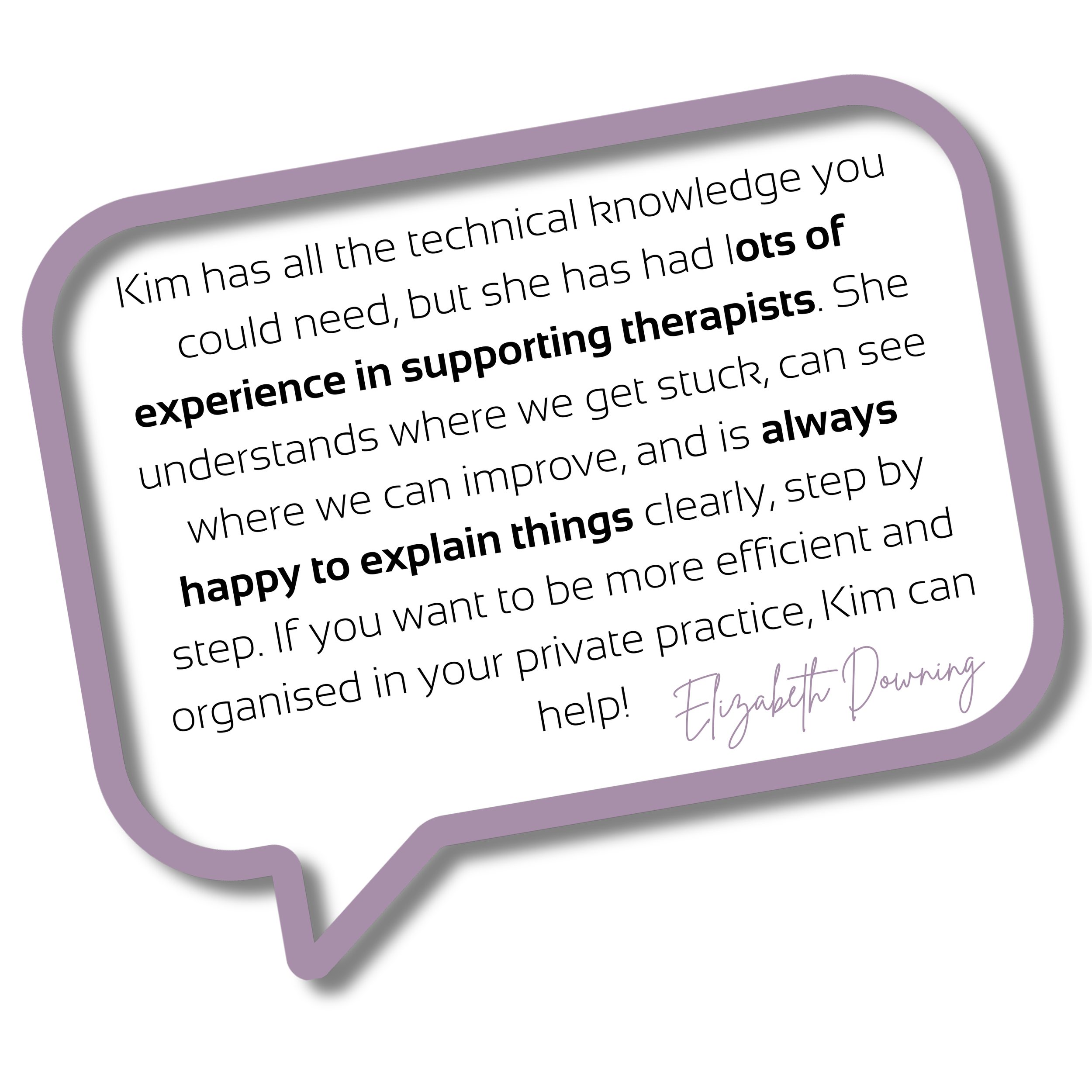
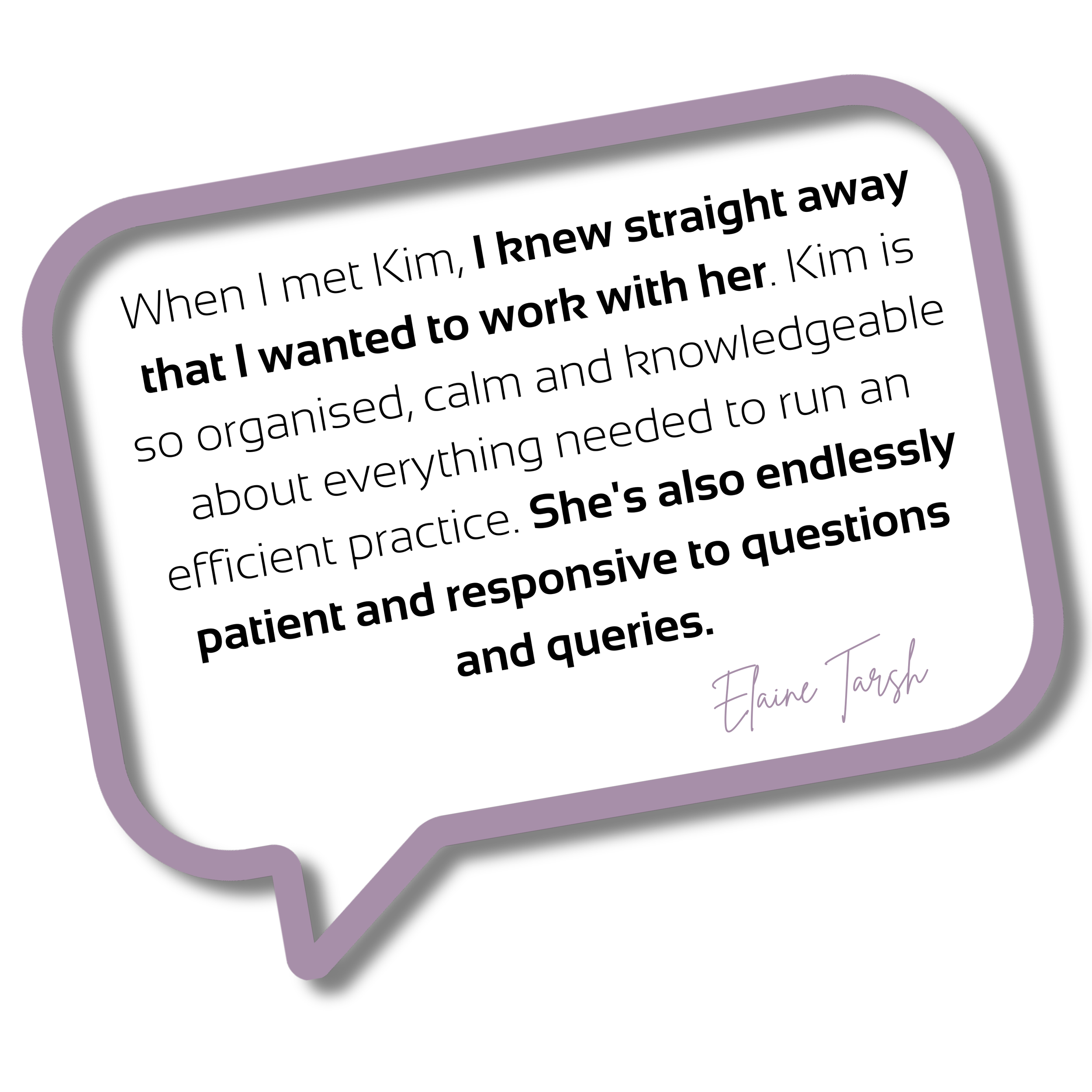
Here’s what people say about working with me


Virtually Done is different to other Google Workspace courses because it was made specifically for therapists in Private Practice.
It’s not just teaching you how to set up the apps, it’s giving you the step by step instructions of how to use it to get the most out of it to streamline, automate and reduce your Practice admin.
HOW WILL I KNOW IF IT WILL WORK FOR ME?
How about a money back guarantee & promise?
I AM SO CONFIDENT IN THE OFFER AND HOW IT WILL HELP YOUR PRACTICE THAT I AM OFFERING A 100% MONEY BACK GUARANTEE SO YOU CAN FEEL CONFIDENT IN YOUR DECISION TO PURCHASE TODAY.
To be eligible for a refund, you must request it within 45 days of the purchase date.
You must have completed the entire course and be able to demonstrate that you have attempted to implement the strategies and techniques presented in the course into your Private Practice.
To request a refund, please contact our support team at hey@virtuallyirreplaceable.co.uk
You’ve got Questions, we’ve got Answers
-
This is a 4 week course. You’ll gain access to each module on Friday and then there’ll be a live Q&A the following Thursday at 5pm so you can ask me anything about what you've learnt or get my expertise on Practice management processes.
-
At this moment in time we do not have a fixed date for the next course but we will update you as soon as we do. Please join the waitlist to be the first in the know!
-
For as long as he course exists and is offered in it’s current format. I have no plans to change the course offer at this stage.
-
You can take this course at your own pace if you want. I’ve created the modules in a particular order to help you with the setting up and implementation. I would however recommend you take this course when you’re able to dedicate 3-5 hours a week to it. You will have access to the modules and course material as long as it’s available so you can always go back over it. If you get stuck at any point you can come along to a live Q&A, book a 1:1 consultation call or reach out to us via email at hey@virtuallyirreplaceable.co.uk
-
The live Q&A will be recorded and added to the course library so you’ll always have access to it. You can also send Q&As at any time so even if you won’t be on the call I’ll try and get to your question if sent in.
My team will also be available to you via email if you do have any questions or are struggling with anything.
-
I have over 8 years experience of working with therapists in Private Practice. I have designed the course and additional templates, workbooks and information based on what I know will benefit you the most. You can of course take the information I give you and create your own templates, processes and systems.
This course shows you how to set everything up and once that’s done, how you use it is up to you.
-
YES! You can pay in 3 monthly instalments WITH NO EXTRA CHARGE
-
If you’d prefer a done-for-you service we’re planning on offering this in Q4 of 2024 with our licensed Virtually Irreplaceable Partners (VIPs)
More details on this to follow but you can register your interest by contacting us on hey@virtuallyirreplaceable.co.uk
-
Yes we offer a 100% refund.
To be eligible for a refund, you must request it within 45 days of the purchase date.
You must have completed the entire course and be able to demonstrate that you have attempted to implement the strategies and techniques presented in the course into your Private Practice.
To request a refund, please contact our support team at hey@virtuallyirreplaceable.co.uk
-
Email any questions you have to hey@virtuallyirreplaceable.co.uk and we'll get back to you!